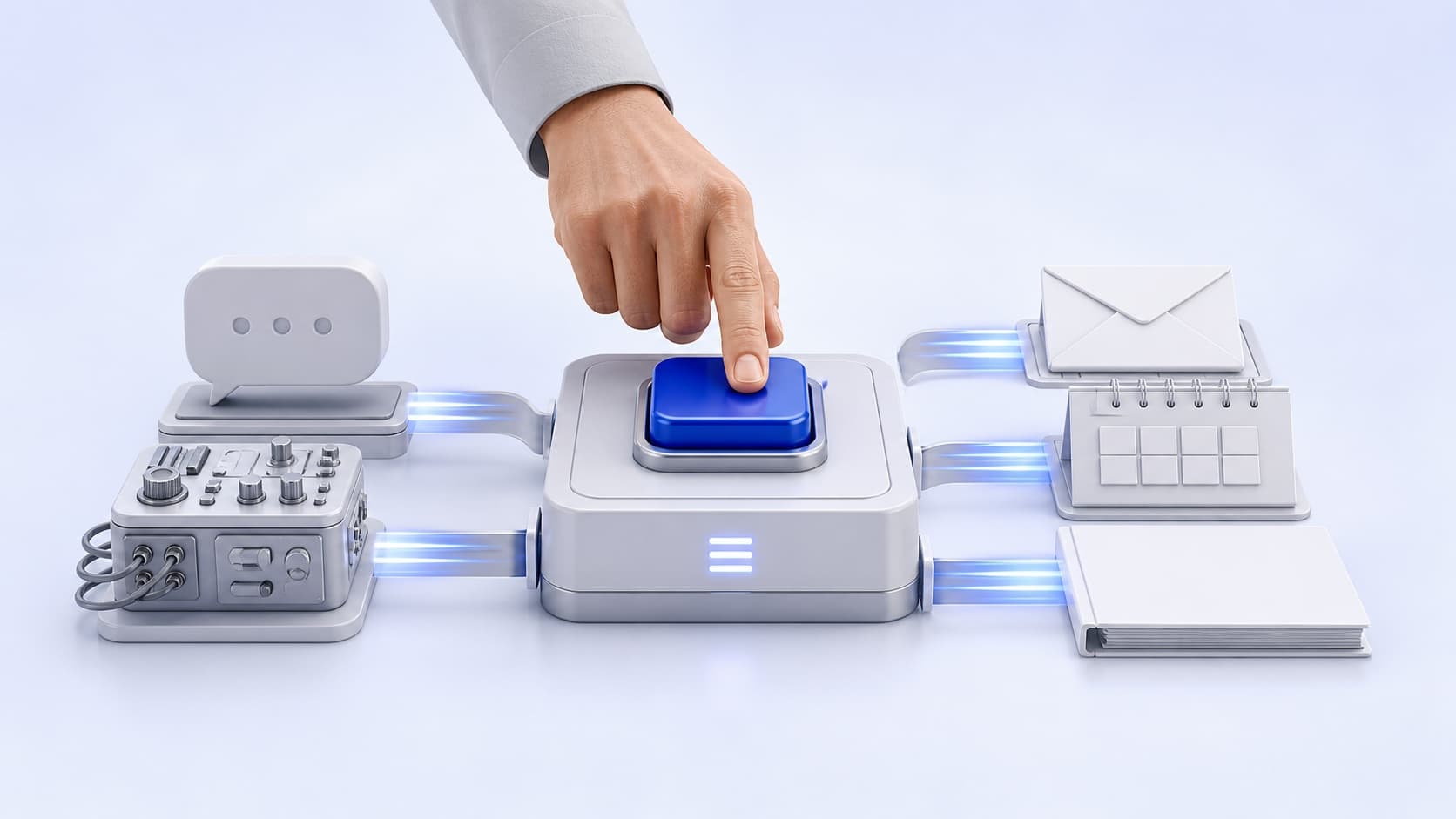


Three companies have built AI agents that keep working after people log off. Handing real work to an agent that nobody is watching raises three management questions. They are what the agent gets, what must come back for approval, and who checks the work the next morning. Each company answers all three with its own controls.
SpaceXAI, the company formerly called xAI, launched Grok Bot as a beta, an early test version. Meta began rolling out Muse in the US, and OpenAI began rolling out agents called Dots. All three arrived within seven weeks of each other.
In one Grok Bot example, a sales bot researches potential customers overnight, drafts emails in each seller’s voice and leaves them for the seller to approve. A bot like this is an always-on agent, built to act across a person’s apps, remember preferences and work in the background. Each of the three runs on a computer of its own in the cloud, separate from the person’s machine.
What the agent gets starts with access. Grok Bot starts with no access and reaches only the accounts a person signs it into. Muse works inside the apps a person chooses, and the person sets exactly how much access it gets. Dots work with the apps a person connects, from over 4,000 options.
Because the agents work alone, approval is where they stop and wait. Grok Bot finishes whole jobs and comes back only when something needs approval. Its documentation lists sending messages, publishing content, purchases, deleting data and accepting legal terms among those actions. Muse asks before sending an email or making a purchase. It also runs a second agent, Sentinel, and nothing Muse does reaches the internet unless Sentinel approves. Dots let people write Custom Rules, each of which lets an action go ahead, holds it for approval or blocks it.
The next morning, each company offers a record to review. A Grok Bot transcript shows what ran, and when a bot needs help, the person can open its computer and take control. Muse shows a complete audit trail of everything the agent has done and plans to do. Dots show progress, including background work, in a screen called Activity View.
Every one of these controls comes from the company’s own description of its agent.