

Most people use Claude, Anthropic’s AI assistant, the same way. They open a chat window, ask one question, copy the answer and rebuild the same context the next day. That creates uneven output and wastes time. Claude becomes useful when it is set up around real work, with a person’s files, rules, style and repeated tasks in place. Mastering it in a weekend means building one reliable way to work.
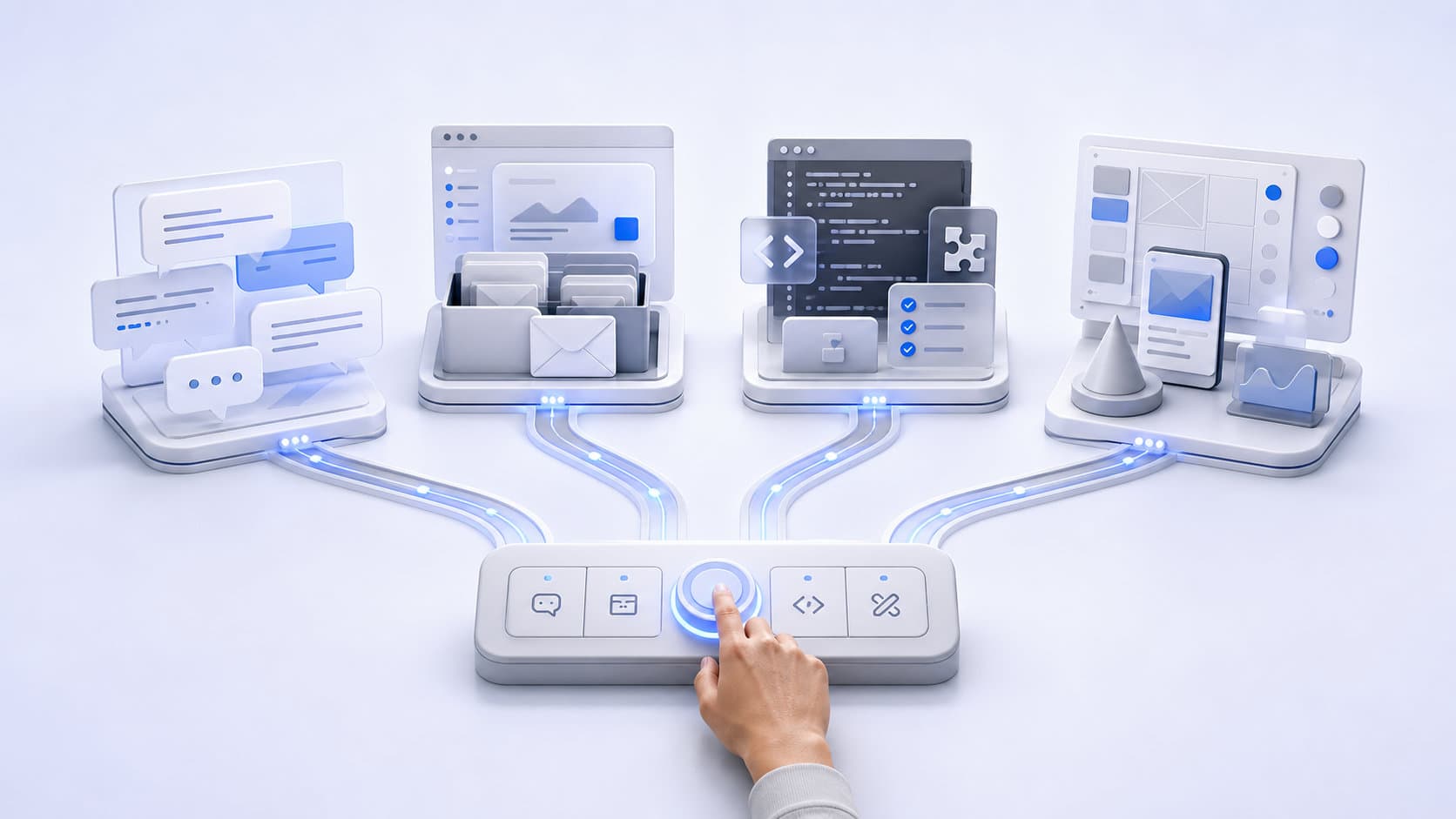
The first piece is choosing the right place for each kind of work. Projects are self-contained workspaces with their own chat histories and knowledge bases, so a client project or research process can keep the same context every time. Larger jobs go to Cowork, which runs on paid plans through Claude Desktop, the app for Mac and Windows. Cowork can access selected files, break complex work into smaller tasks and save finished work to the computer.
Two core files give every task its background up front. Both are .md files, a plain-text document format. The first, “about-me.md,” holds a person’s role, audience, current priorities, offers, tone and decision rules. The second, “anti-ai-style.md,” lists the phrases, tones and writing habits they do not want. Each task then starts closer to the output needed, which cuts the time spent on corrections.
Skills add structure to repeated work. Anthropic defines them as folders of instructions, scripts (small programs) and resources that Claude loads for specialised tasks. The weekend version is one Skill, built from a task already repeated, such as preparing meeting notes or reviewing a draft, and tested until the output is reliable.
Connectors let Claude access apps and services, pull data and take actions within the permissions a person already has. One is enough at first, because a smaller setup is easier to control and improve. For many teams, Google Workspace is a practical first connector. Once Gmail, Calendar and Drive are connected, Claude can search emails, manage calendar work and save files without leaving the conversation.
The last piece is one recurring task. Scheduled tasks in Cowork can run automatically on a schedule or on demand, using the connected tools and Skills already in place. They only run while the computer is awake and the desktop app is open. Within that limit, a daily briefing or weekly report can run on the weekend’s setup, with no context to rebuild in a fresh chat.